


Anyone who works in construction knows the moment when a project starts slipping, and no one can clearly explain why. This happens far more often than people admit. Like Love Do reports that 70% of construction projects go over budget, and weak schedule planning is one of the biggest reasons behind those overruns.
The critical path method shows which tasks truly control the project timeline. Choosing the right platform matters because the best cpm software turns your schedule from a static document into a tool that actively guides your project.
The project management software market has grown quickly. Straits Research reports that it reached 8.72 billion dollars in 2024 and is on track to reach 40.12 billion dollars by 2033 with an annual growth rate of 18.48 percent. The AI market within construction is projected to reach 4.5 billion dollars by 2026. This level of expansion is driving new ideas in how teams plan, monitor, and deliver work.
This guide breaks down the main types of CPM software in 2026, what each does well, and which teams each one fits. Whether you run a data center project, a hospital or a highway expansion, it will help you narrow the field before you start demos.
What is Critical Path Method (CPM) Software?
CPM software is a tool that helps you plan and manage projects by showing which tasks are most important to finish on time. It identifies the chain of tasks that directly affect the project’s completion date, updates schedules automatically when things change, and helps teams see risks, manage resources, and stay on track. Many construction teams use CPM as part of broader construction management software to keep complex projects organized.
Before, project managers had to recalculate the critical path by hand every time something changed. Now, a CPM tool updates schedules automatically when you change task durations, add dependencies, or log progress.
Here’s what CPM tools can help you do in practical terms:
- See the full timeline. Understand how tasks connect and which ones really affect the finish date.
- Catch problems early. Spot tasks that might slow things down before they become a crisis.
- Balance workloads. Make sure your team and equipment aren’t stretched too thin.
- Keep everyone on the same page. Everyone knows which tasks are the priority today.
- Plan smarter bids. Build realistic schedules that protect your margins and make winning work easier.
CPM software goes beyond basic project management tools. It makes dependencies clear, helps you analyze schedules in depth, and handles complex projects like construction, engineering, or large IT initiatives.
Types of CPM Software in 2026
CPM software falls into a handful of categories. The category tells you more than any feature list, because it shows whether a tool can carry a contract-grade construction schedule or only part of the work.
| Category | Best for | CPM depth | Construction fit | Typical pricing |
|---|---|---|---|---|
| Construction-first CPM platforms (Planera) | ENR Top 400 GCs, enterprise owners and data center programs running complex schedules | Full CPM, DCMA-14 checks | Built for it | Custom, often volume-based |
| Enterprise CPM schedulers (Primavera P6) | Hourly and shift-based EPC, industrial and outage work | Full CPM | Strong, but specialist-only | Per-user licenses |
| Microsoft Project | Teams standardized on Microsoft 365 | Solid CPM | General purpose | Per user, $10 to $55/month |
| Professional services automation (PSA) | Project-based firms tying schedules to labor and cost | CPM through Gantt and dependencies | Partial | Quote-based |
| Work management platforms | Cross-functional teams in many industries | Critical path on Gantt views, often higher tiers only | Limited | Per seat, free tiers common |
| Lightweight Gantt tools | Small teams and first-time CPM users | Basic critical path | Limited | Low monthly per seat |
| Priority-based schedulers | Teams with uncertain, shifting priorities | Estimate-driven, not classic CPM | Low | Per seat |

1. Construction-first CPM platforms
These cloud platforms are built specifically for construction scheduling. They keep full CPM logic, including dependencies, float, baselines and the critical path, and add real-time collaboration, field access and P6 and Microsoft Project import and export. Planera is in this category.

Planera is one of the best critical path method software platforms made for construction teams. Based in San Ramon, California, it’s used by contractors like Balfour Beatty, HITT Contracting, and Skanska. It stands out as a leading solution among digital construction tools that help teams plan, track, and deliver projects efficiently.
What Makes It Different:
Planera’s whiteboard-style interface makes scheduling intuitive. Teams can drag and drop tasks, draw connections, and see the schedule build in real time. Users report creating schedules 75% faster than with traditional tools like P6. The cloud-based system keeps everyone looking at the same up-to-date plan, with no emails back and forth.
Core Features:
- Collaborate on Whiteboard: Let the whole team work on the same project at once, similar to editing a Google Doc together.
- Project Dashboard: Access a central hub that displays a clear, high-level view of important project metrics.
- DCMA Quality Check: Simplify schedule scoring and grading, and quickly identify and fix problem areas on the table or canvas.
- Field Schedules: Pull a section of the master schedule into a working schedule in 30 seconds or less and plan short-interval work with trades, with progress rolling up to the master.
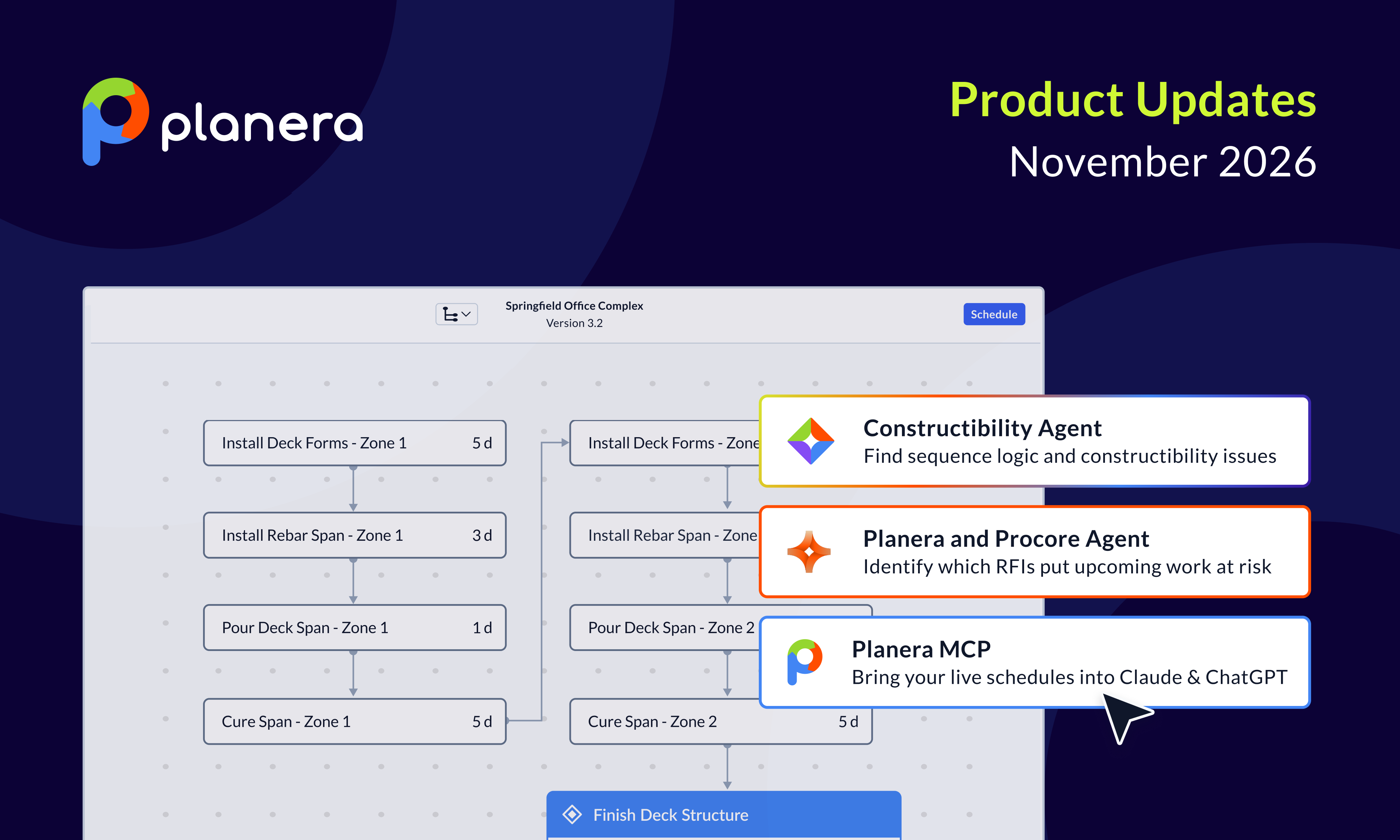
- Manny AI Assistant: Ask plain-language questions about the critical path, float and risk, test what-if scenarios, and run agents that check schedule quality, all from the live CPM logic.
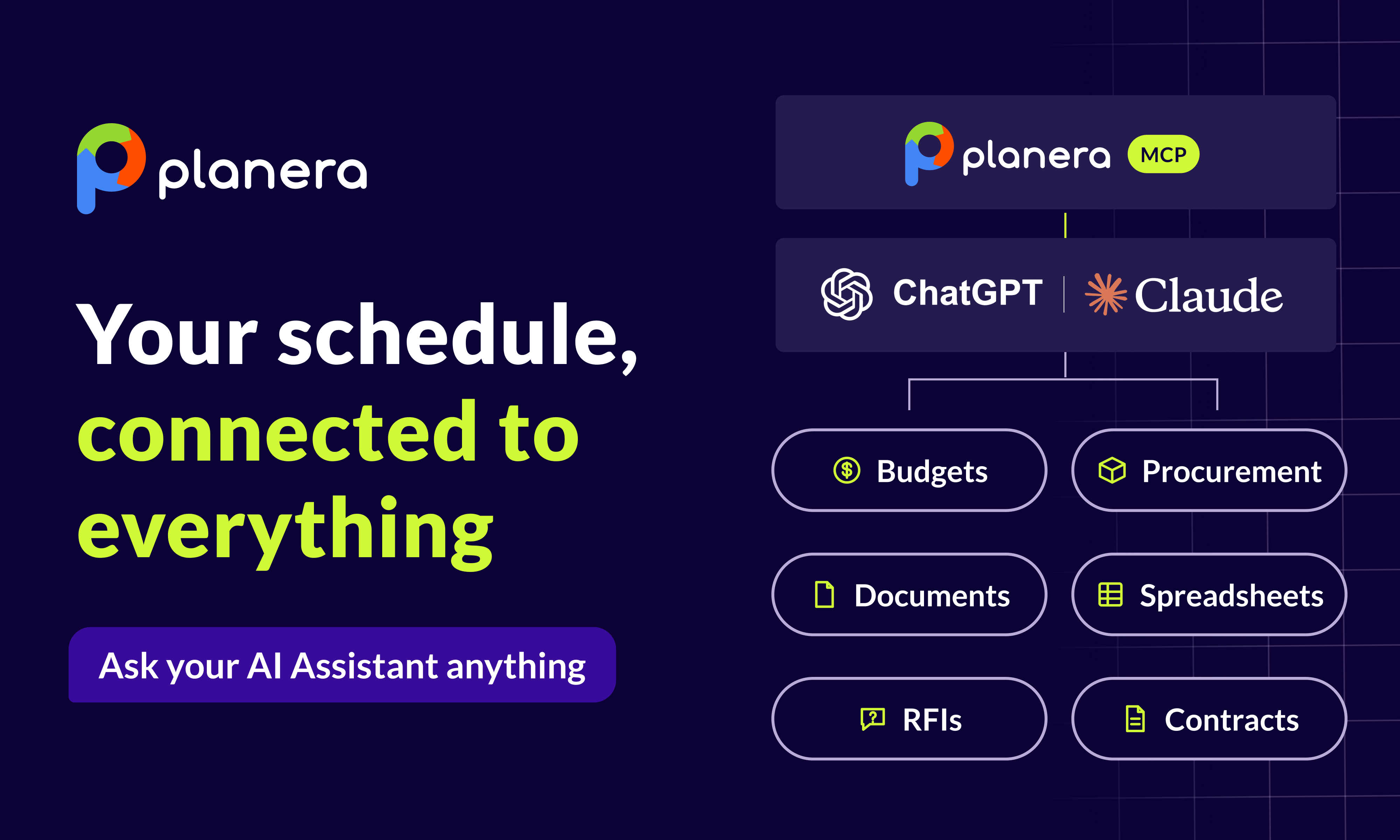
- Planera MCP Connector: Query live Planera schedules from Claude, ChatGPT and other MCP-compatible tools, read-only and within each user's existing permissions.
Best For: Construction companies, teams that move from P6 or Microsoft Project, and projects that need strong office-to-field coordination
| Pros | Cons |
|---|---|
| Real-time collaboration | Pricing requires a quote |
| Unlimited users | Newer than legacy systems |
| Integration with construction tools | |
| Purpose-built for construction workflows |
2. Enterprise CPM schedulers like Primavera P6
Oracle Primavera P6 is widely used on EPC, industrial and plant outage work, where schedules run in hours or shifts. It handles tens of thousands of activities, deep resource management and multi-project portfolios. The tradeoff is complexity: P6 takes months of training and usually lives with a dedicated scheduler, so PMs and superintendents rarely work in it directly.
Where it fits today: EPC, industrial and plant outage work that schedules in hours or shifts instead of days, often with heavy resource leveling across a portfolio. For commercial, data center, healthcare and other building work scheduled in days, teams now plan in Planera and export XER when the owner asks for it.
3. Microsoft Project
Microsoft Project has decades of history and works well for teams invested in the Microsoft ecosystem. It supports critical path analysis, resource leveling, earned value and cost tracking. It is general-purpose software rather than a construction tool, and Microsoft retired Project Online in September 2026, so many teams are re-evaluating.
Best for: Organizations already standardized on Microsoft 365 with straightforward scheduling needs.
4. Professional services automation (PSA) platforms
PSA platforms combine Gantt-based critical path scheduling with resource capacity, budgets and invoicing. They help project-based firms see how labor availability and cost affect delivery dates. They are less specialized for construction sequencing and usually lack construction file formats and schedule quality checks.
Best for: Services and project-based firms that need scheduling tied tightly to resources and financials.
5. Work management platforms
Work management platforms offer tasks, boards, documents, dashboards and Gantt views in one flexible workspace. Many show the critical path on a Gantt view, though often only on higher-priced tiers. They are easy to adopt across departments but are not built for construction logic, trade sequencing or contract schedule requirements.
Best for: Mixed teams running marketing, operations or internal projects alongside light scheduling.
6. Lightweight Gantt tools
Lightweight Gantt tools focus on quick visual timelines with dependencies, templates and drag-and-drop editing. They are affordable and fast to learn. They cover the basics of the critical path but tend to struggle with large networks, baselines and detailed progress updates.
Best for: Small teams and first-time CPM users on simple projects.
7. Priority-based schedulers
Priority-based tools calculate dates from estimates and task priority instead of fixed logic, so the schedule shifts automatically as priorities change. That suits uncertain knowledge work, but it departs from classic CPM, so it is a poor fit for contract schedules or delay analysis.
Best for: Software, marketing and product teams that need adaptive schedules more than a defensible critical path.
The Future of CPM Software: 2026 and Beyond
The CPM software world is changing fast. Here’s what to watch for in the next few years.
AI Integration
AI is becoming a standard part of scheduling. Expect tools that can spot risks before they happen and suggest how to shift resources and adjust schedules automatically. With the AI construction market expected to hit 4.5 billion dollars by 2026, these features are getting serious investment.
Better Visualization
Seeing your project in new ways is becoming possible. Augmented reality can show scheduled tasks on site, and virtual reality can help stakeholders walk through the project timeline. These tools are moving from futuristic ideas to real-world applications.
Sustainability Tracking
More tools now track environmental impact. Teams can see carbon footprints and other sustainability metrics alongside their project timeline, making it easier to stay on top of green goals.
Market Shifts
Microsoft Project Online was retired in September 2026. Many organizations are looking for modern alternatives, and cloud-based, construction-first CPM platforms are well positioned to meet that demand.
Collaboration-Focused Design
The days of a single scheduler working alone are ending. Future CPM tools will focus on bringing entire teams together, making schedule planning a shared, real-time effort.
Making the Decision
Selecting CPM software isn't about finding the tool with the most features. It's about finding the tool that fits how your team actually works.
Construction teams building complex projects should look hard at Planera. The visual, collaborative approach reflects how construction schedules should be built: by the people who understand the work, not locked away with a scheduling specialist.
Cross-functional teams that want one flexible workspace may lean toward work management platforms, and spreadsheet-heavy teams toward tools with a familiar grid. For contract-grade construction schedules, put construction-first CPM platforms at the top of the list. Planera imports and exports XER, so owner file requirements no longer decide where your team plans.
Whatever you choose, commit to actually using it. The best CPM software is the one your team adopts, not the one with the longest feature list.
The 70% project overrun rate isn't inevitable. Better scheduling leads to better outcomes. The tools exist. The question is whether you'll use them. If you want to see how a modern scheduling platform works in real life, book a demo with Planera and explore it firsthand.
Frequently Asked Questions
How much does CPM software cost?
Costs vary widely. Some work management and Gantt tools have free tiers, while Microsoft Project plans run up to $55 per user per month and P6 licenses cost several thousand dollars per user. Planera uses project-based custom pricing rather than per-user fees, so your whole team can collaborate without paying for extra seats.
Can CPM software integrate with existing tools?
Yes, most modern CPM software offers integrations. Planera integrates with Procore and Autodesk Construction Cloud, and imports and exports P6 and Microsoft Project files. General work management platforms often connect to hundreds of business apps but rarely to construction systems.
Do I still need CPM software if I have Microsoft Project?
With Microsoft Project Online retired in September 2026, many teams are moving to cloud tools. Construction-first CPM platforms offer real-time collaboration, field access and simpler interfaces, which makes them more practical for construction than Microsoft Project alone.
What's the difference between CPM software and general project management tools?
CPM software focuses on the critical path method, identifying and managing the longest sequence of dependent tasks. General PM tools may include basic Gantt charts, but dedicated CPM software provides deeper analysis, better visualization, and more sophisticated dependency management.
Which CPM software has the best mobile app?
For construction, look for a platform built for field use. Planera offers field schedules and full tablet access so superintendents can update the schedule from the jobsite. General work management apps work well for quick task updates but rarely show CPM logic on a phone.

You deserve better scheduling software.
Drive revenue, reduce costs, and manage scheduling with Planera.
Request a Demo