
Manny: AI That Thinks Like a Scheduler

Manny is an AI assistant that lives inside Planera. It understands your CPM schedule the way a senior scheduler does, but it works at the speed of a search engine.
Ask Anything
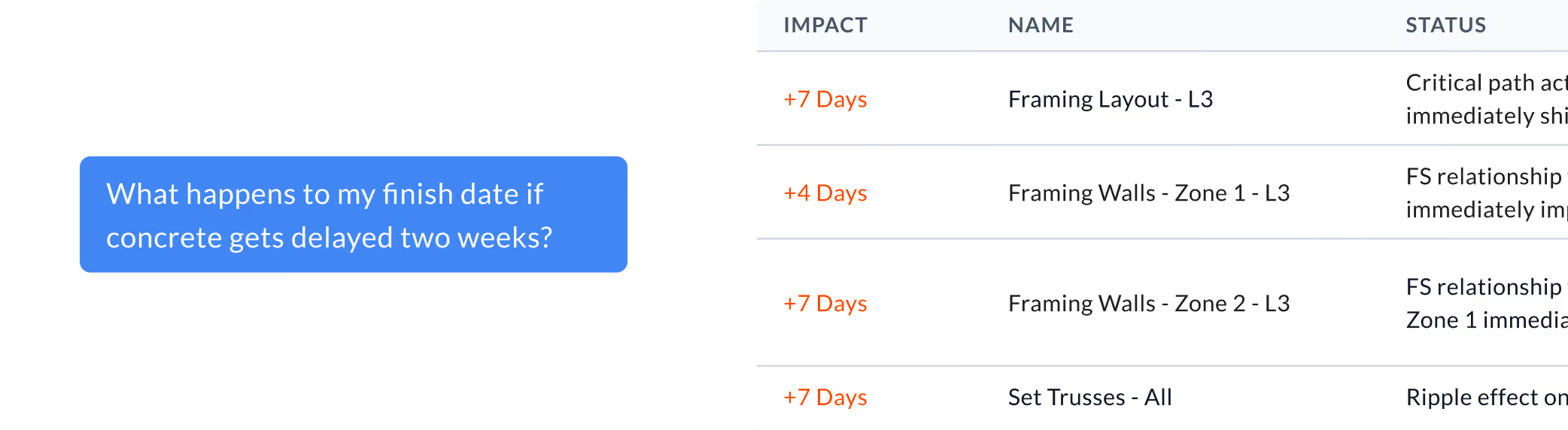
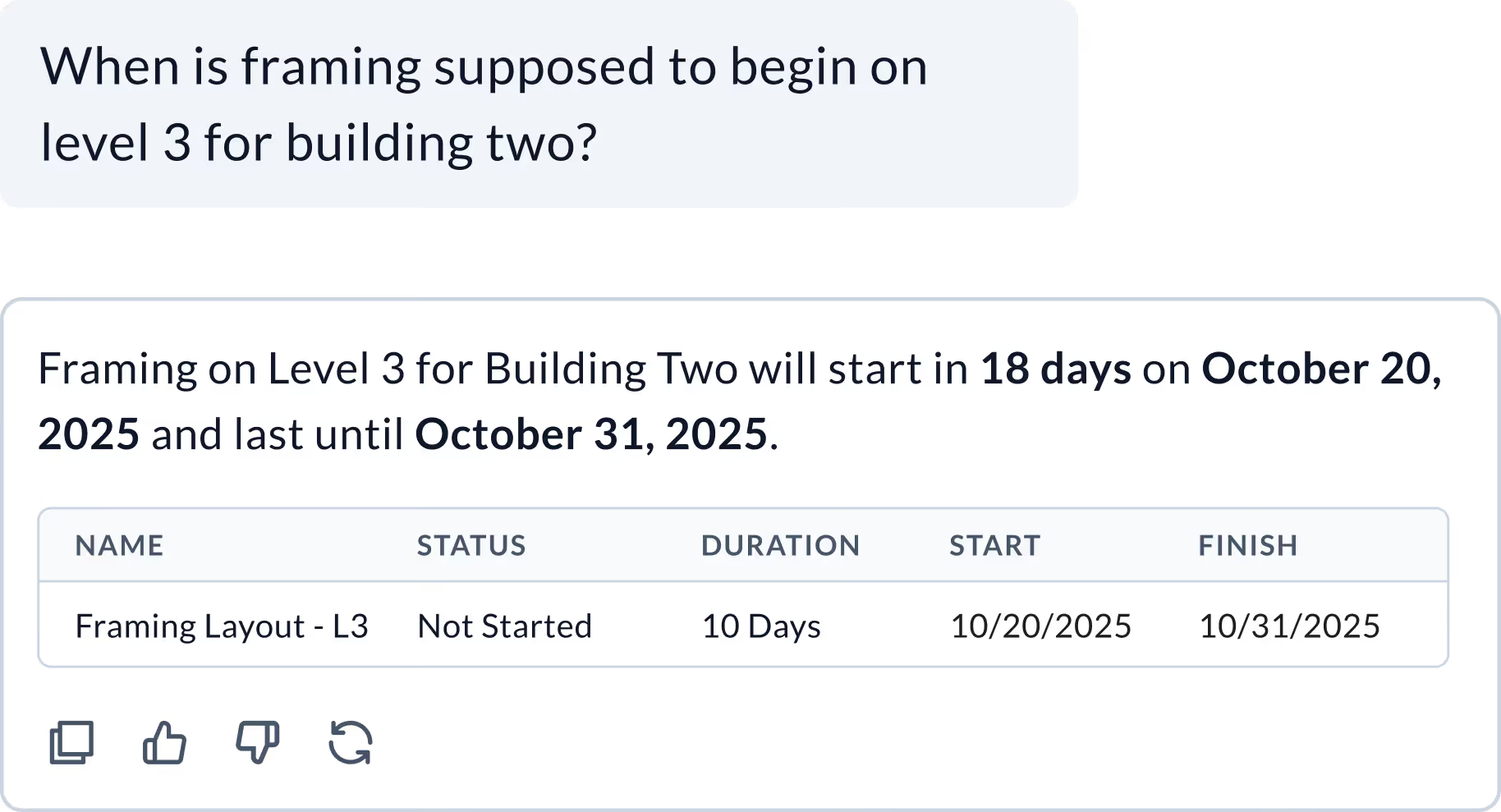
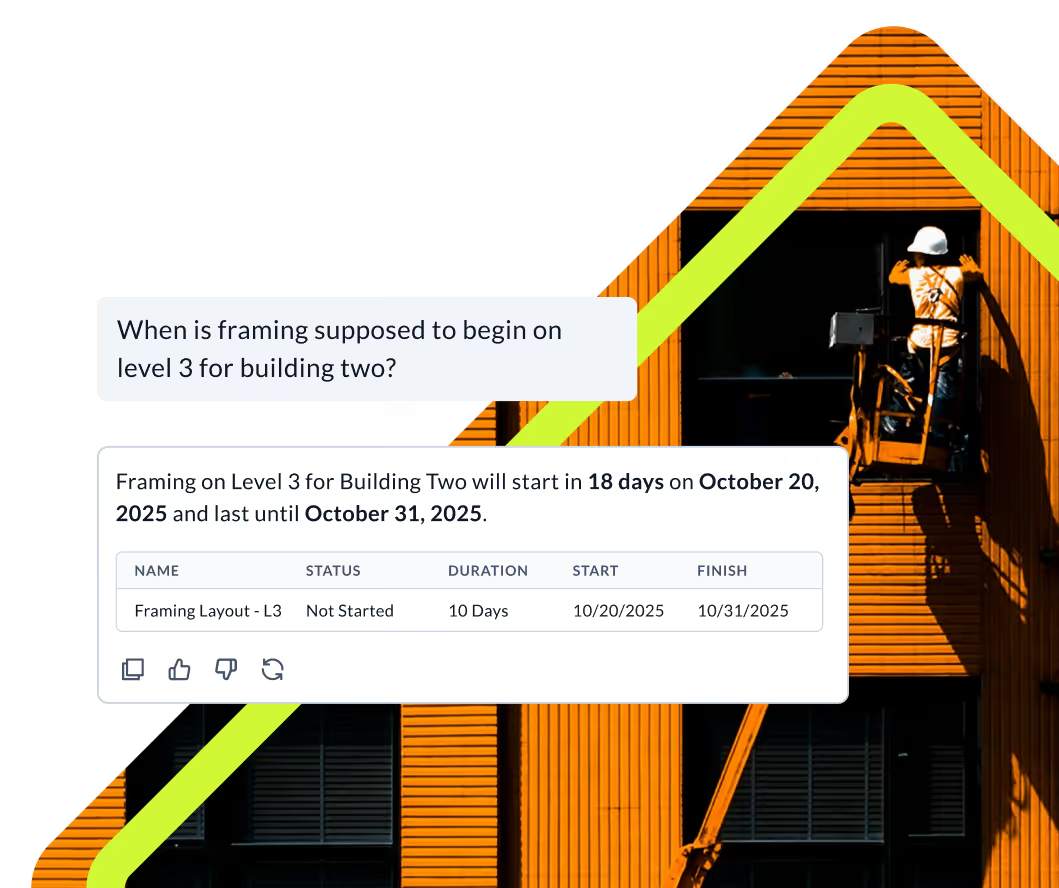
"What happens to my critical path if concrete is delayed two weeks?" Manny reads your schedule, traces logic ties, calculates float, and shows you the 
impact in minutes.
Run Scenarios Instantly
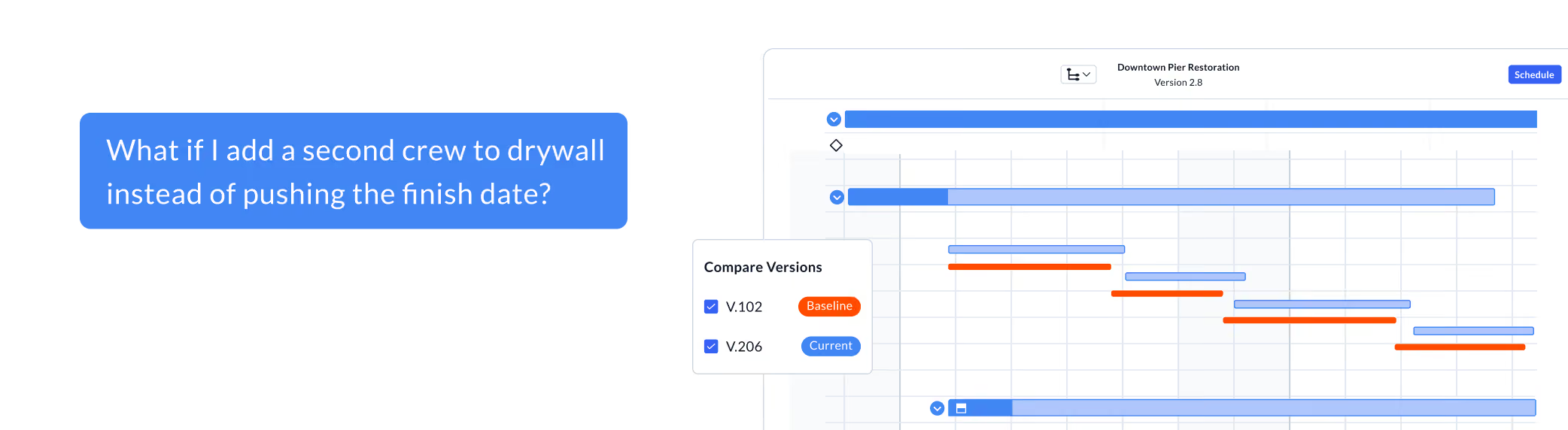
Test schedule changes before committing them. Manny generates what-if scenarios in seconds, so you can compare options side-by-side with your schedule.
Act on Insights
Manny doesn't just analyze your schedule. It suggests next steps, flags risks you haven't spotted, and helps you adjust your schedule directly from the conversation.
WHAT CUSTOMERS ARE SAYING
Balfour Beatty logo

"Manny is giving all stakeholders the ability to analyze the schedule at a deep level and look for opportunities regardless of their software training.”

— Asa McMains, Scheduling Manager at Balfour Beatty

Whatever the task, Manny's already on it
Let AI do the hard part. You decide what goes into the schedule.
Turn intent into a working schedule
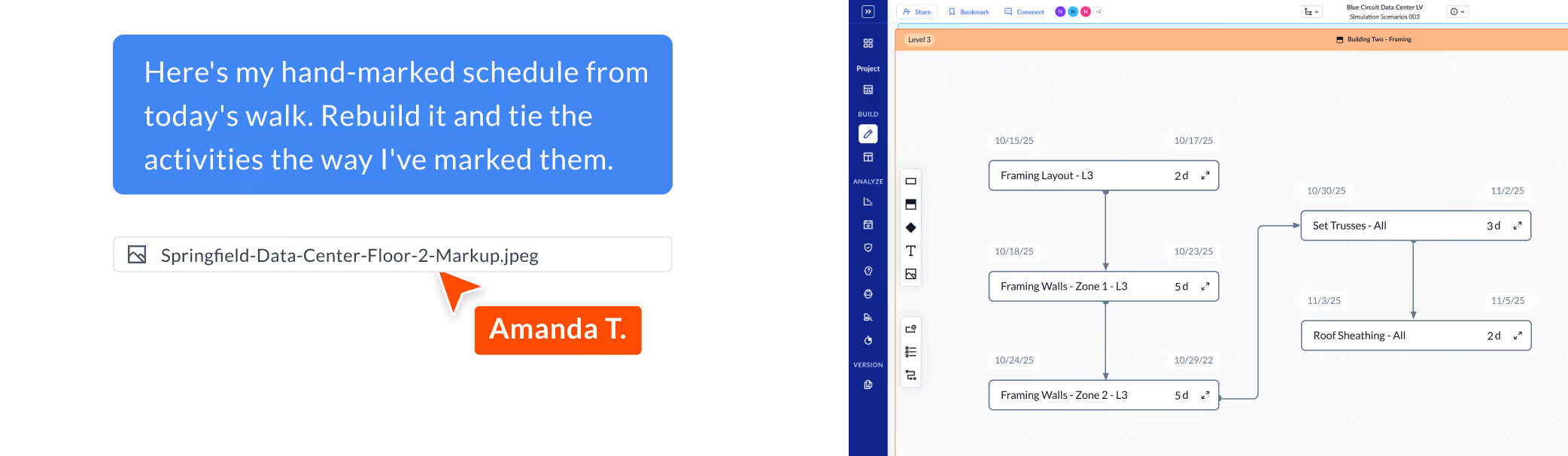
Tell Manny what you need in plain English and it builds it. Attach a photo of a hand-marked schedule and Manny recreates the activities and ties. One prompt, one approval, done.
Know what a delay actually costs you
Manny traces the impact through every downstream logic tie and tells you which milestones move and by how much, before it shows up in a client meeting. Compare any two versions the same way.
Catch the problems before the owner does
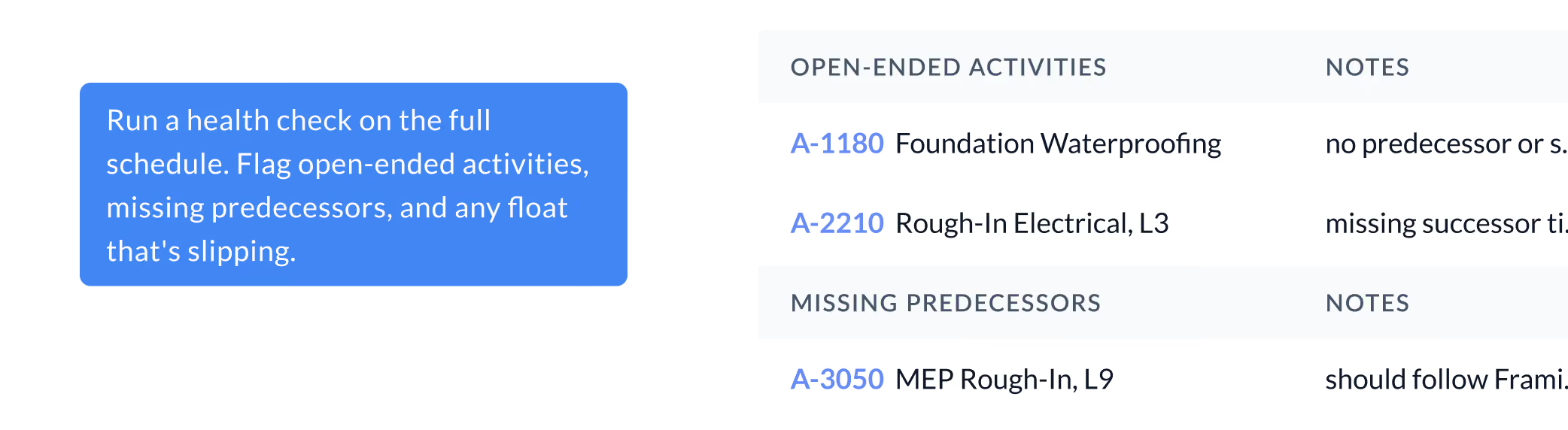
Manny scans for schedule health issues; open-ended activities, missing predecessors, slipping float, before you send the update out. Think of it as a second set of eyes that never gets tired on a 3,000-line schedule.
Test it before you commit
Manny models scenarios, shows the impact side by side with your current plan, and lets you save the version you like. Nothing changes until you say so.
Any report, built from your actual schedule
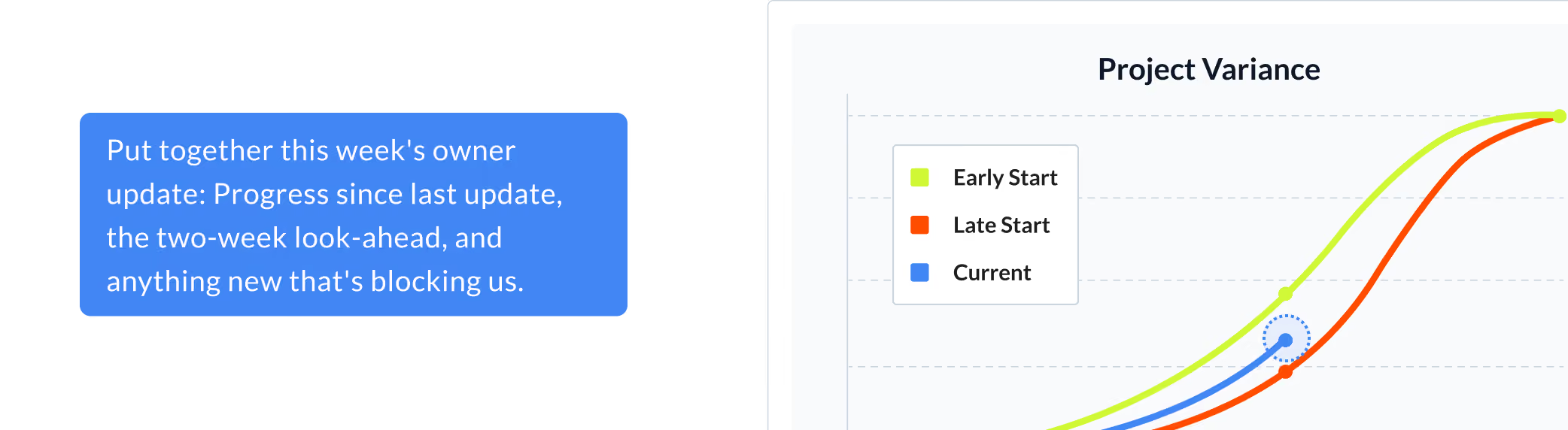
Owner updates, look-aheads, delay narratives, blocker roundups. Ask for it in plain English and Manny assembles it from the live data, formatted and ready to send. No more building the Friday deck by hand.
Construction Workers working on a Schedule in their trailer

How long would that take you in P6?

Lorem ipsum dolor sit amet, consectetur adipiscing elit.

Task
Manual / Traditional (P6)
With Manny
What-if scenario analysis
1–4 hours
Manual re-sequencing, copying schedules, and re-running logic. Not all scenarios explored because of time and effort.
Critical path impact assessment
30–90 minutes
Exporting, filtering, and tracing logic across activities.
Schedule health check
1–2 hours
Running reports, cross-referencing KPIs, and compiling insights
Resource conflict identification
1-3 hours
Reviewing resource histograms and leveling conflicts manually
Recovery schedule options
2-6 hours
Building and comparing alternative schedules manually. Not all options are analyzed because it takes too long.
Stakeholder schedule Q&A
1 hour - multiple days
Waiting on scheduler to analyze and respond.

Frequently Asked Questions

To help you make an informed decision, we've compiled some of the most commonly asked questions.

How is Manny different from other AI tools in construction?

Most AI tools in construction sit on top of your data and tell you what happened, all while adding steps to your process, and losing context along the way. Manny lives inside the platform where you actually build and manage your schedule, so there's no disconnect or switching back and forth between your AI and your schedule.

Does Manny understand CPM scheduling?

Yes, natively. Manny reads logic ties, calculates float, and understands how activities relate to each other, so the answers it gives you are grounded in how your schedule actually works.

Can I act on what Manny tells me, or just view it?

Manny can act on your behalf, but only with your permission. You can go from a question to a schedule update without leaving the platform.

Will Manny make changes to my schedule?

Only with your permission.