


If a project gets out of control because your team can’t access the right information, you know why construction management software matters. Many projects run over budget, and labor is tight. Contractors relying on spreadsheets and paper are at risk of falling behind.
The construction management software market is booming. It is expected to reach 16.62 billion USD by 2030. Cloud-based solutions cover over 60% of the market. Mobile-first platforms are growing more than 13% per year. Digital workflows are already changing how construction gets done.
Finding the best construction management software is still a challenge. Most contractors don’t run one tool. They run a project platform like Procore or Autodesk Construction Cloud as the system of record, then add specialist tools for scheduling, accounting, labor and field progress. The real question is which pieces you need and how well they connect.
This guide breaks construction management software into the main categories contractors evaluate, names well-known platforms in each, and shows where each one fits in a connected stack.
What is Construction Management Software?
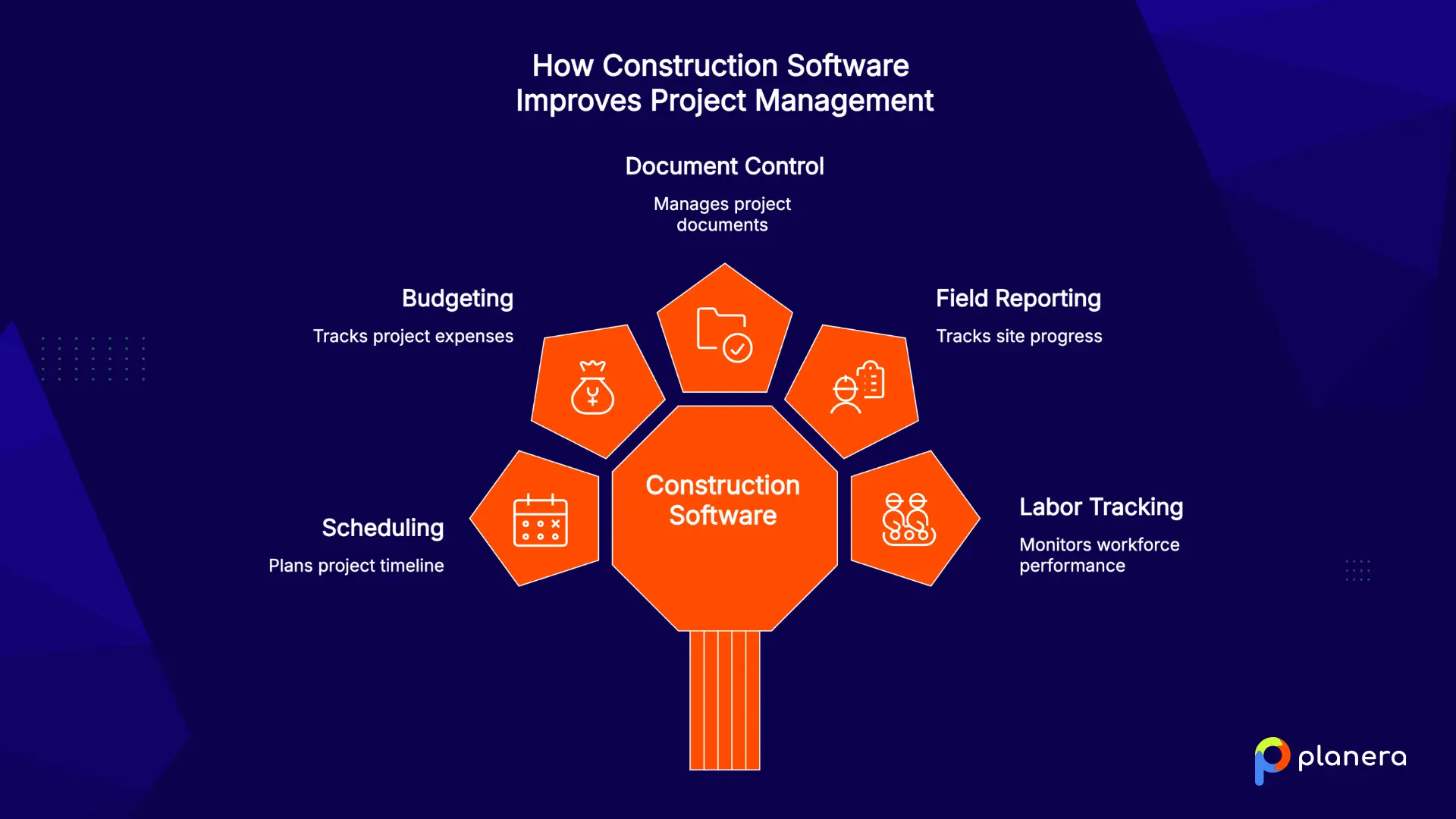
Construction management software is a type of construction business software that helps contractors plan, manage, and track project work. Some platforms focus on documents and project administration, while others support scheduling, budgeting, field reporting, labor tracking, or owner-level portfolio management. The best construction software depends on the workflow your team needs to improve first.
Why Should Construction Teams Use Construction Management Software?
The construction industry is under a lot of pressure. Teams have to do more with fewer people, budgets are tight, and projects are getting more complicated. Clients expect updates quickly and accurately, and paper-based systems just can’t keep up.
Modern construction management software keeps teams organized. Most projects today are commercial. Coordinating offices, retail, or industrial sites leaves little room for mistakes. Even small delays can turn into expensive problems.
Cloud-based tools make advanced features available to smaller contractors. Subscription models let businesses start small and add features over time, often for a reasonable monthly cost.
Artificial intelligence is changing how projects are planned. AI tools can answer questions about a schedule, flag risk, and check progress updates faster than manual review. The useful ones work from live project data rather than a static export.
Mobile access is now a must. Field teams can update tasks, view drawings, and report issues directly from the job site. Real-time updates let project managers fix problems quickly and keep projects on track.
Security and compliance are important. Government projects often need certified platforms, while private projects require good document control, audit trails, and safe storage. One security mistake can hurt a contractor’s reputation and finances, making strong security just as important as the software itself.
What Features and Functionality Should Construction Management Software Have?
Choosing construction software is not only about finding the platform with the longest feature list. The right tool should match the way your team plans, tracks, communicates, and reports on work every day.
Start with your main workflow gap. Some teams need better scheduling, while others need stronger field reporting, job costing, document control, or owner-level visibility. The best construction management software should solve that primary problem first, then connect to the tools around it.
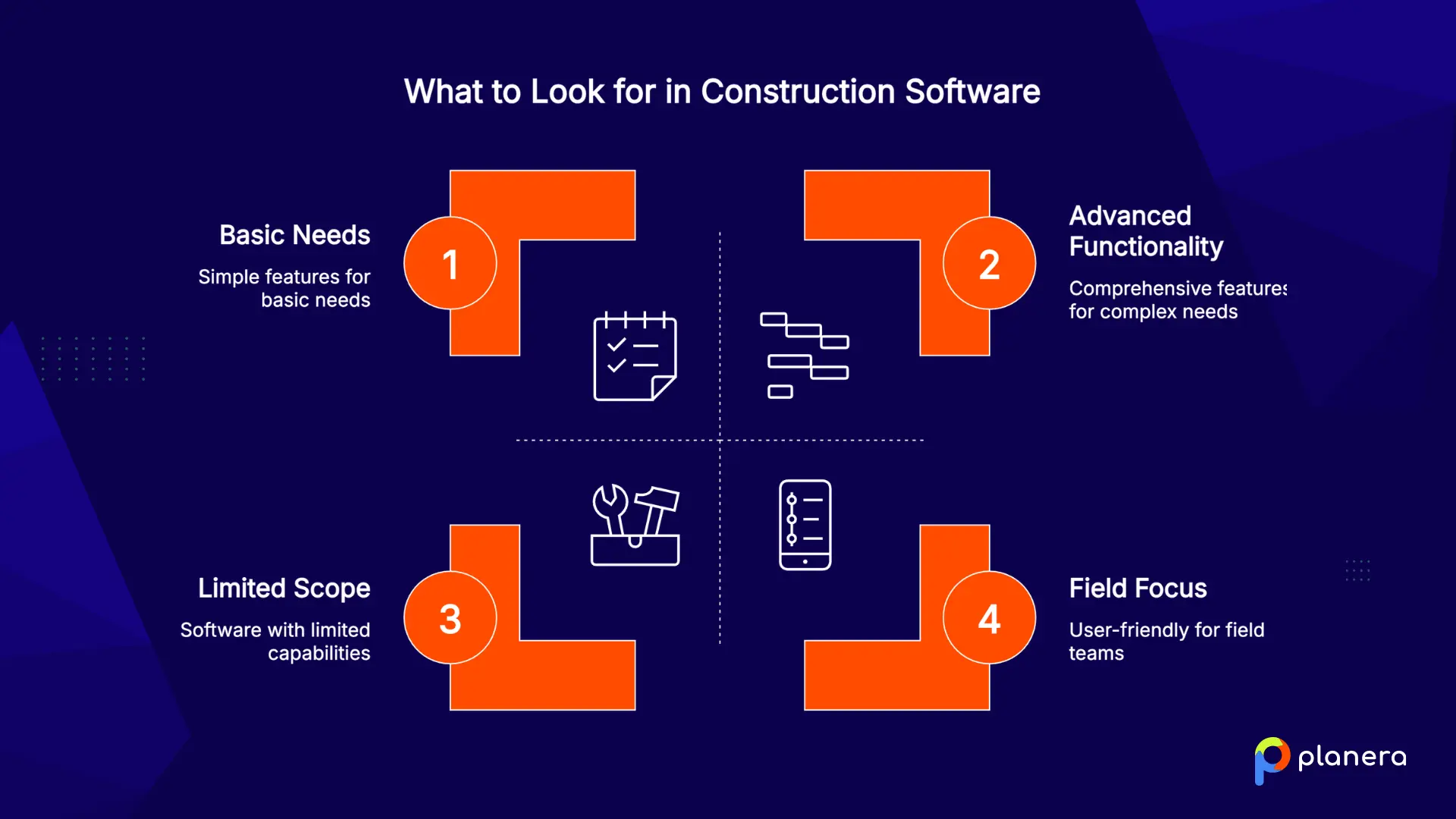
Look closely at these areas before choosing a platform:
Scheduling depth: Basic calendars may work for simple projects, but complex construction work often needs dependency logic, critical path visibility, resource planning, field schedules, and what-if scenarios.
Field adoption: A platform only works if field teams use it. Look for mobile access, simple updates, photo uploads, offline support, and clear task visibility from the job site.
Project controls: Strong software should help teams track progress, costs, risks, documents, approvals, and changes without forcing everything into spreadsheets.
Integrations: Most contractors already use accounting, payroll, ERP, Procore, Autodesk, or document management tools. Good integrations reduce duplicate entries and keep project data consistent.
Scalability: A tool that works for one crew may not support multiple projects, regions, or business units. Consider how the software will fit your team as project volume grows.
Implementation effort: Review setup time, training needs, data migration, and internal adoption. A focused pilot project is often the safest way to test if the software fits your workflow.
The right platform is not always the one with the most features. It is the one your team can adopt consistently and use to improve the work that matters most.
Types of Construction Management Software by Use Case
Construction management software falls into a set of categories, and most contractors use more than one. These categories are not ranked. Each works best for a different workflow and type of contractor, and the platforms named are well-known examples, not a complete list.
| Category | Examples | Main focus | Best for |
|---|---|---|---|
| Project management platforms | Procore, Autodesk Construction Cloud | Documents, RFIs, submittals, financials | GCs that need one project system of record |
| Scheduling and CPM platforms | Planera | Master schedule, CPM logic, field schedules, AI | GCs and owners running complex schedules |
| Workforce planning and time tracking | Bridgit, ClockShark | Staffing plans, crew hours, labor cost | Teams with large field crews across many job sites |
| Construction accounting and ERP | CMiC, Viewpoint Vista, Sage 300 CRE | Accounting, payroll, equipment, job cost | Mid-size and large contractors that need one financial system of record |
| Owner and capital program management | Kahua, e-Builder | Portfolio budgets, contracts, approvals | Owners, developers and public agencies running capital programs |
| Drawings and document review | Bluebeam | PDF markups, takeoffs, design review | Teams that live in drawings and markups |
| Reality capture and site progress | OpenSpace, DroneDeploy | 360 photos, drone imagery, progress tracking | Teams that need visual proof of what is built |
| Specialty contractor operations | ServiceTitan | Estimates, dispatch, service work, invoicing | Trade contractors balancing projects and service calls |
| All-in-one tools for small builders | Buildertrend | Leads, estimates, simple schedules, client portal | Residential builders and remodelers |
| Location-based and GIS platforms | Esri ArcGIS | Map-based project data and GeoBIM | Infrastructure, utility and campus projects |
| Infrastructure compliance and quality | AASHTOWare Project | Inspections, testing, materials, contract records | DOTs and contractors on heavy civil work |

Running complex schedules alongside Procore or Autodesk Construction Cloud? See how Planera connects to both.
1. Project management platforms: Procore and Autodesk Construction Cloud
Procore and Autodesk Construction Cloud are the project systems of record for a large share of commercial GCs. They are strong at what most of the project runs on: drawings and documents, RFIs, submittals, change events, daily logs, quality and safety, and project financials. Autodesk adds a direct line to design models through its BIM tools, which matters on projects where coordination starts in the model.
Both include schedule tools, and both work well as the place where an imported master schedule is shared with the team. Teams that need to build and maintain CPM logic, run what-if scenarios, or plan short-interval work with trades usually pair them with a dedicated scheduling platform.
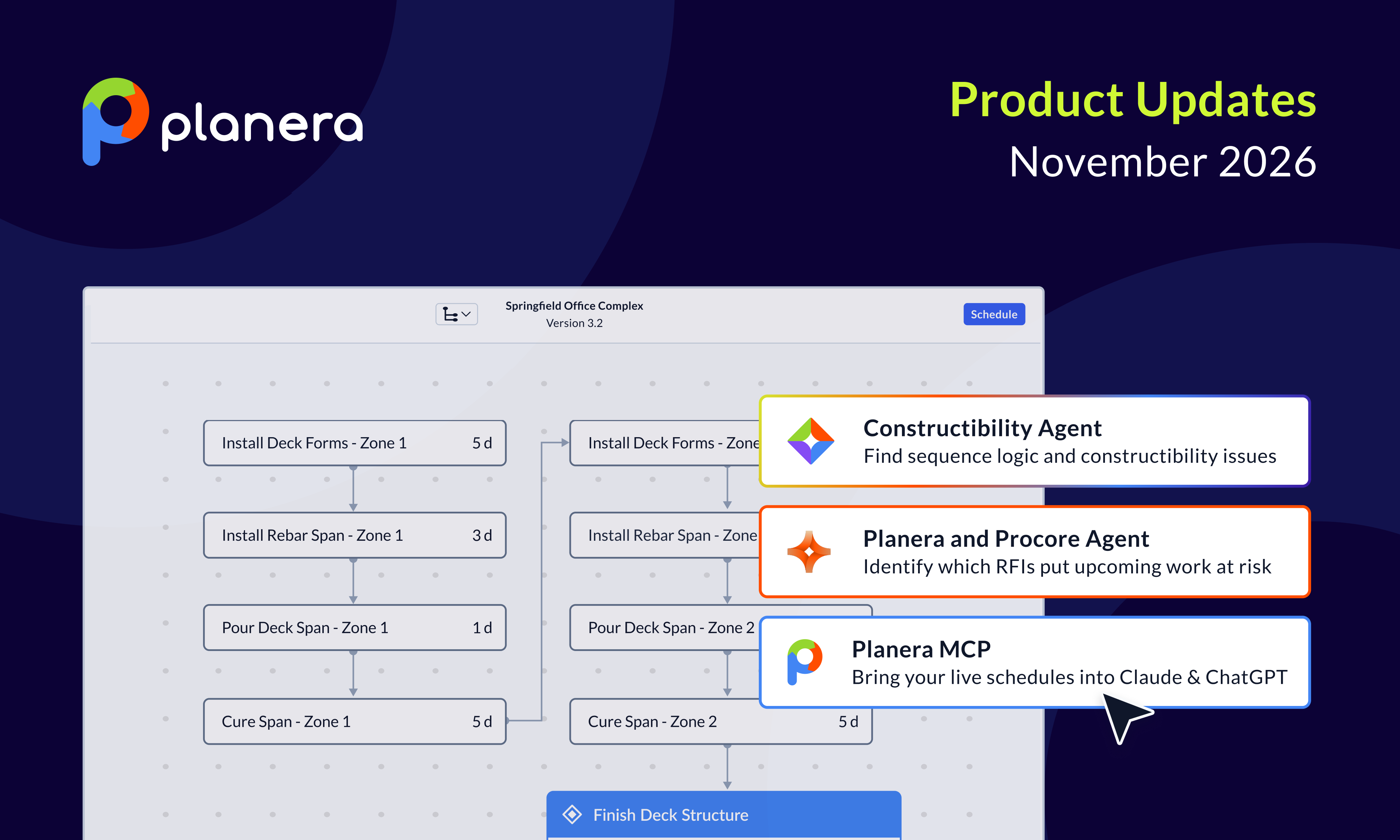
Where Planera fits: Planera integrates with Procore and Autodesk Construction Cloud, so the live CPM schedule stays current in the project platform without double entry. The same connection powers the RFI-to-Schedule Risk Scanner in the Procore Agent Marketplace, which checks open RFIs against the critical path and flags the ones that threaten upcoming work.
Best for: GCs that need one system of record for documents, communication and project administration.
2. Scheduling and CPM platforms: Planera
Construction-first scheduling platforms build and maintain the master schedule with full CPM logic, collaboration and field access. Planera is in this category.

Planera makes complex scheduling simple to use. Its visual, collaborative interface turns CPM scheduling from a specialist task into something the whole team can understand and contribute to. It replaces P6’s learning curve with a digital whiteboard that still delivers professional-grade schedules.
Key Features:
- Collaborate on Whiteboard: Let the whole team work on the same project at once, similar to editing a Google Doc together.
- Project Dashboard: Access a central hub that displays a clear, high-level view of important project metrics.
- DCMA Quality Check: Simplify schedule scoring and grading, and quickly identify and fix problem areas on the table or canvas.
- Field Schedules: Pull a section of the master schedule into a working schedule in 30 seconds or less and plan short-interval work with trades, with progress rolling up to the master.
- Manny AI Assistant: Ask plain-language questions about the critical path, float and risk, test what-if scenarios, and run agents that check schedule quality, all from the live CPM logic.
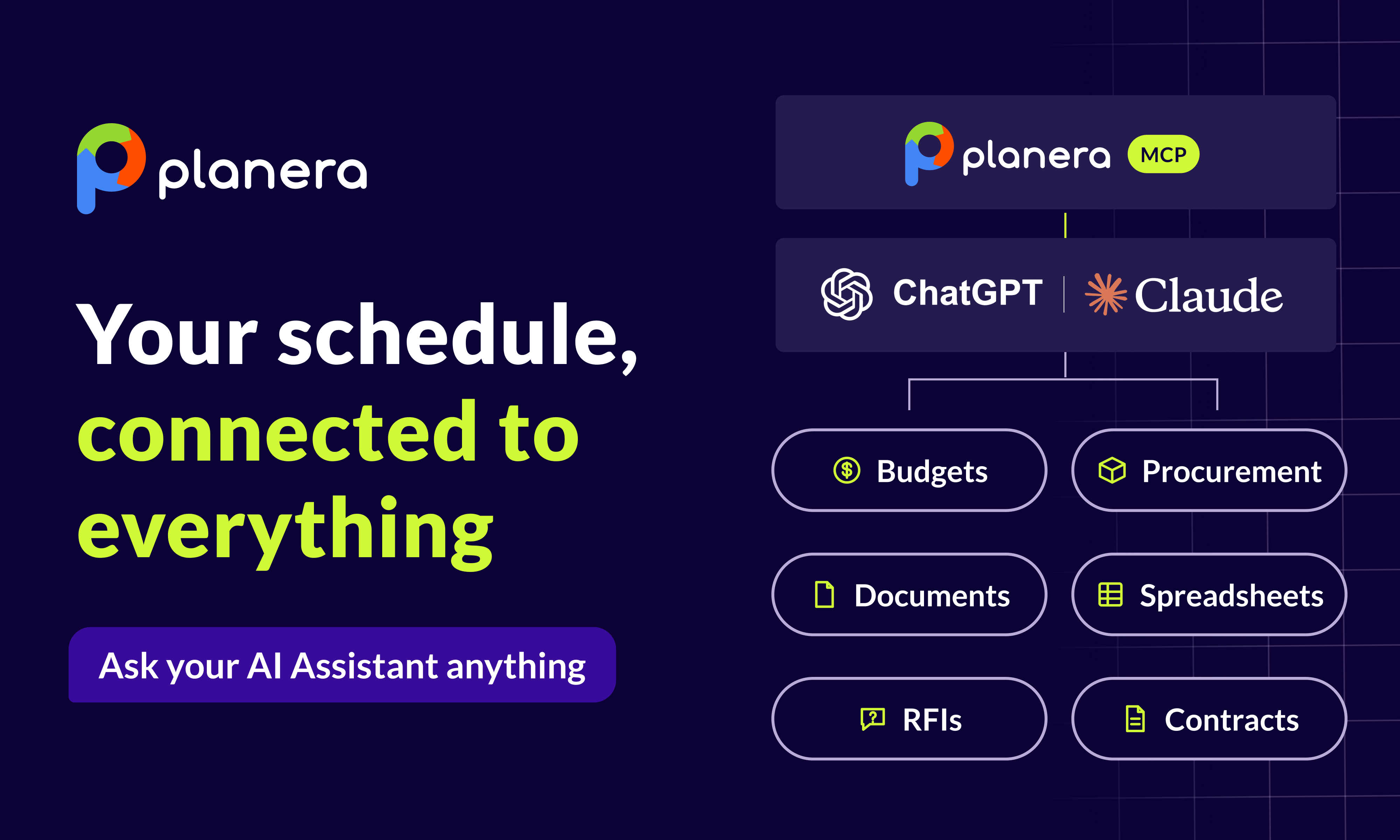
- Planera MCP Connector: Query live Planera schedules from Claude, ChatGPT and other MCP-compatible tools, read-only and within each user's existing permissions.
What Makes Planera Different
Planera’s main strength is field schedules, which link the master schedule to short-interval plans with trades without extra spreadsheets. Instead of managing two separate files for long-term planning and day-to-day coordination, teams can build schedules together in real time. They can drag and drop activities, and the platform takes care of the CPM logic in the background.
Planera connects with Procore and Autodesk Construction Cloud. This prevents data from getting stuck in separate systems and helps keep information consistent across the company. Its Monte Carlo risk simulation and DCMA Quality Check give contractors access to advanced risk analysis that used to require expensive scheduling consultants. The platform now manages more than 25 million days of schedules, which shows strong adoption across the industry.
Best For:
- Enterprise contractors managing complex, multi-phase projects
- Data center construction requiring precise coordination
- Teams transitioning from P6 or MS Project
- Companies where non-schedulers need to understand and contribute to schedules
Key Considerations
Planera focuses on scheduling and does not provide a full project management suite. Teams still use a platform like Procore or Autodesk Construction Cloud for RFIs, submittals and project documentation, and Planera integrates with both to keep those systems in sync with the schedule.
3. Workforce planning and time tracking: Bridgit and ClockShark
Bridgit helps operations leaders plan which people go to which projects months ahead, so staffing gaps show up before a job starts. ClockShark handles GPS-verified time clocks for field crews and feeds hours by job and cost code into payroll and job costing.
Where Planera fits: Workforce tools tell you who is available. Planera's resource-loaded schedules tell you when each crew is needed and where demand outruns capacity.
Best for: Teams with large field crews across many job sites.
4. Construction accounting and ERP: CMiC, Viewpoint Vista and Sage 300 CRE
Construction ERPs such as CMiC, Viewpoint Vista (Trimble) and Sage 300 CRE handle accounting, payroll, equipment and job cost at the enterprise level, with deep cost structures and compliance reporting. Most also cover budget versus actual and profit forecasting, which is where many contractors do their job costing.
Where Planera fits: The ERP tracks what work cost. The schedule shows when that work will happen. Keeping the two aligned is what makes cost forecasts and pay applications hold up.
Best for: Mid-size and large contractors that need one financial system of record.
5. Owner and capital program management: Kahua and e-Builder
Kahua and e-Builder (Trimble) help owners and public agencies manage budgets, contracts, approvals and documents across a portfolio of projects, with workflows built around funding and compliance.
Where Planera fits: Owners who want more than a monthly PDF can review the live schedule in Planera, and executives can ask questions about it from Claude or ChatGPT through the Planera MCP connector.
Best for: Owners, developers and public agencies running capital programs.
6. Drawings and document review: Bluebeam
Bluebeam is the standard for PDF markups, takeoffs and design review on many commercial jobs. Teams use it to mark up drawings, run quantity takeoffs and work through review sessions with designers and trades.
Best for: Teams that live in drawings and markups.
7. Reality capture and site progress: OpenSpace and DroneDeploy
OpenSpace turns 360 photo walks into a searchable record of the site, and DroneDeploy captures aerial and ground imagery for progress tracking and site documentation. Both give the office visual proof of what has actually been built.
Where Planera fits: Reality capture shows what is in place. Planera turns that progress into schedule updates and shows what it means for the critical path and finish date.
Best for: Teams that need visual proof of progress for owners, lenders and claims.
8. Specialty contractor operations: ServiceTitan
ServiceTitan combines estimating, dispatch, service agreements and invoicing for trade contractors, with commercial tools for mechanical, electrical and plumbing firms that run project and service work side by side.
Best for: Specialty and trade contractors balancing projects and service calls.
9. All-in-one tools for small builders: Buildertrend
Buildertrend combines leads, estimates, simple job schedules, change orders and a client portal in one system, built mainly for residential builders and remodelers.
Best for: Residential builders and remodelers who want one simple system.
10. Location-based and GIS platforms: Esri ArcGIS
Esri ArcGIS puts project data on a map, and its GeoBIM work with Autodesk combines design models with location data for linear and site-heavy projects.
Best for: Infrastructure, utility and campus projects where location drives decisions.
11. Infrastructure compliance and quality: AASHTOWare Project
AASHTOWare Project is used by many state DOTs to manage construction contracts, inspections, materials testing and reporting on public infrastructure work.
Best for: Public agencies and contractors on DOT and heavy civil projects.
How We Grouped Construction Management Software
We reviewed more than 120 construction software tools, from scheduling apps to full ERP systems, along with user reviews, market research and conversations with contractors who use these platforms every day.
Rather than rank individual products, we grouped them by the workflow they improve most and named well-known examples in each. Commercial GCs, specialty contractors and owners need very different things, so the right mix depends on your company size, project type and biggest workflow gap.
How the Pieces Fit Together
For most commercial GCs, the stack looks like this: a project platform such as Procore or Autodesk Construction Cloud for documents and communication, an ERP for accounting, and a scheduling platform for the CPM logic that ties the work together. Specialist tools for labor, drawings and reality capture sit around those three.
The schedule is the piece that connects everything else. It decides when crews show up, when materials need to land and when the owner gets the building. That is why teams that outgrow the schedule tools inside their project platform move to Planera, keep their project platform, and connect the two.
Moving Beyond Selection: Successful Implementation Strategies
Buying construction management software is fast. Getting your team to actually use it takes time. Most contractors struggle not because the software is hard, but because old habits are hard to change.
Changing habits is more important than the software itself. Someone who has used the same Excel sheet for 20 years won’t switch just because there’s a new tool. They’ll switch when it saves time, cuts errors, or gets rid of tasks they don’t like.
Start small with controlled pilots. Pick a team comfortable with technology and let them show the first wins. Their success will encourage other crews to adopt the platform without resistance.
Data migration is where surprises usually happen. Old spreadsheets, inconsistent file names, scattered documents, and outdated templates all come up at once. Cleaning up this mess almost always takes longer than vendors estimate, so plan extra time.
Focus on quick wins to build momentum. It could be speeding up estimates or replacing paper timecards with something the field team actually likes. Highlight these wins across the company to show the value of the new system.
Avoid big-bang rollouts. Run the old system alongside the new one for at least one project cycle. It adds some extra work but protects your team if something breaks and gives everyone room to adjust.
Think of training as ongoing, not a one-time event. Hold regular refresher sessions, pick team members to guide others, and make short videos showing how your company uses the platform. Vendor training helps, but your own materials make it easy for your team to stick with it.
Conclusion
The best construction management software is not the same for every contractor. Most commercial GCs run a project platform like Procore or Autodesk Construction Cloud, an ERP, and a dedicated scheduling tool, then add specialist tools where the work demands it. Smaller builders often do better with one simple system.
Start with your company size, project type, and biggest workflow gap, then compare platforms on how well they solve that need and how cleanly they connect to the rest of your stack.
Ready to see how Planera connects your schedule to the tools you already use? Book a demo with Planera today.
FAQs
What is the best construction management software for my company?
The best construction management software depends on your company size, project type, and main workflow challenge. Most commercial GCs use a project platform such as Procore or Autodesk Construction Cloud, paired with a scheduling platform and an ERP. Smaller teams may prefer one simpler tool for job tracking and invoicing.
Do I need a separate scheduling tool if I use Procore or Autodesk Construction Cloud?
It depends on schedule complexity. Both platforms can share an imported schedule with the team. Teams that need to build and maintain CPM logic, run what-if scenarios, or plan short-interval work with trades usually add a dedicated scheduling platform like Planera, which integrates with both.
Which construction technology is best?
The right platform depends on your team, project types, and daily processes. Some tools are great for scheduling, others for field collaboration. Try a few options, involve your field teams in demos, and choose the platform your people will actually use every day.
How do I know if a construction management platform will work for my team?
Look for tools that fit your actual workflow, not just your wish list. Run a real project as a pilot, involve field and office staff, and watch how it changes daily tasks. Platforms your team can adopt smoothly almost always deliver the most value, even if they don’t have every feature.
How long does it take to implement a construction management system?
It depends on team size and project complexity. Small teams can often get started in a few weeks, while larger organizations need a few months for data migration and pilot runs.
Can construction software improve project profitability?
Yes. Good construction software platforms reduce delays, prevent errors, and give managers better insight into costs. When teams spend less time chasing updates and more time executing work, projects finish faster and profitability improves.

You deserve better scheduling software.
Drive revenue, reduce costs, and manage scheduling with Planera.
Request a Demo