

Plan in Planera
Publish to Procore
Build the CPM schedule where the logic lives, then push it into Procore so the project team works from the current plan, not last month’s upload.
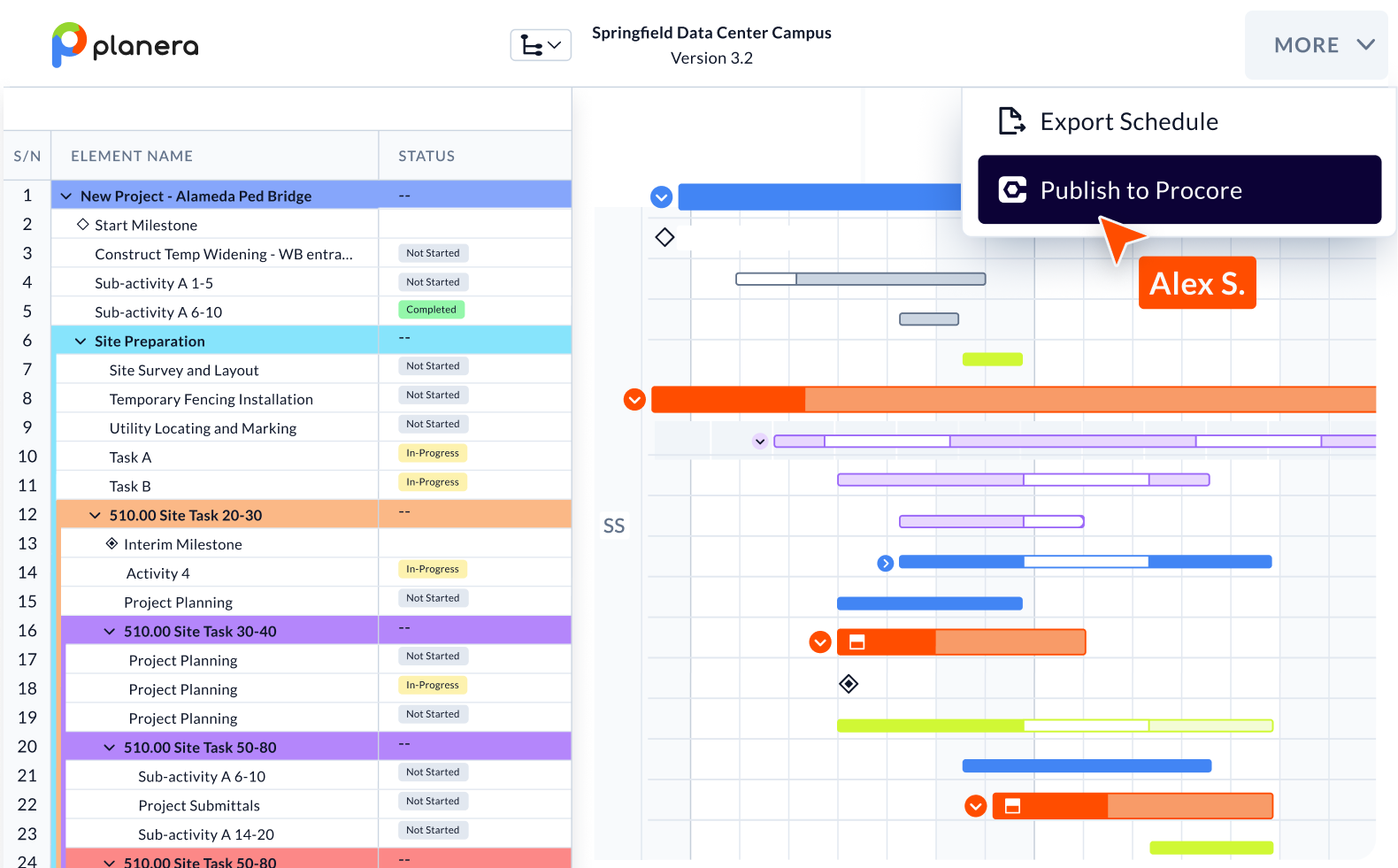

Procore gets your complete schedule, not a picture of it
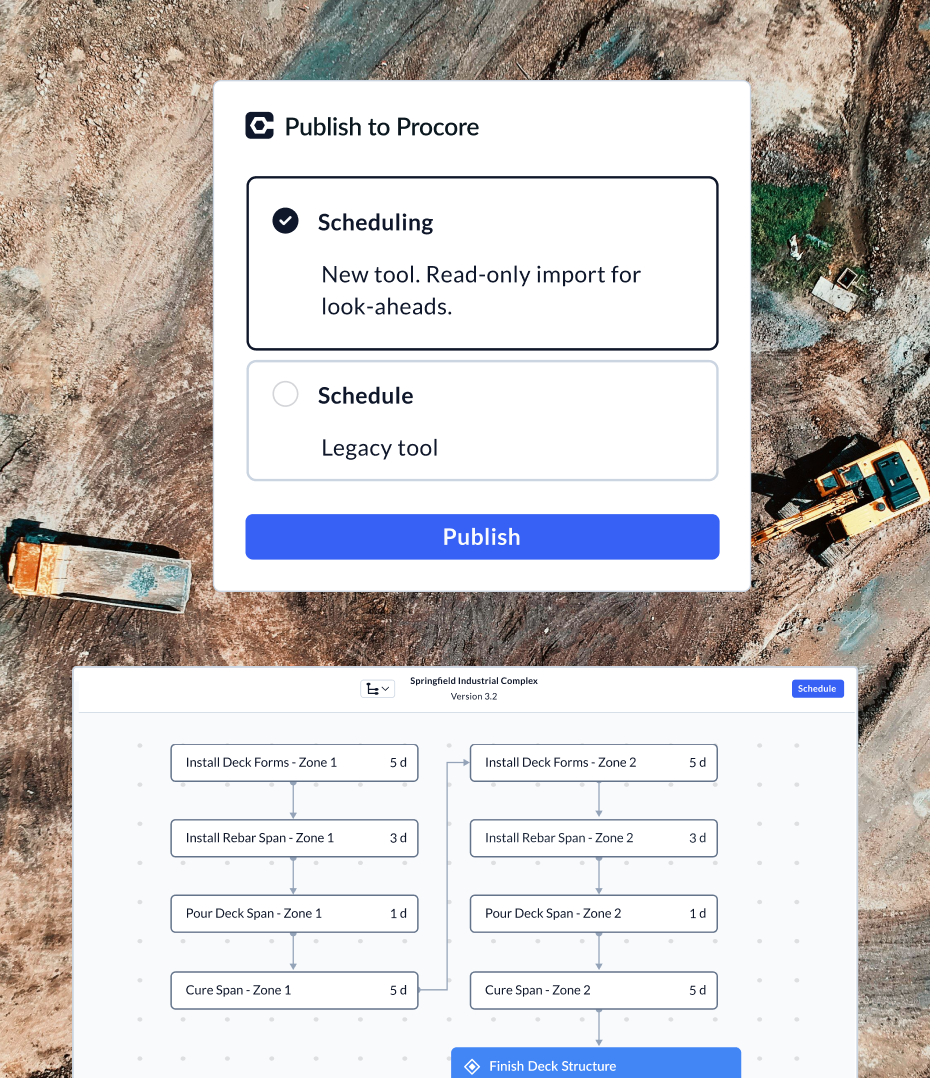
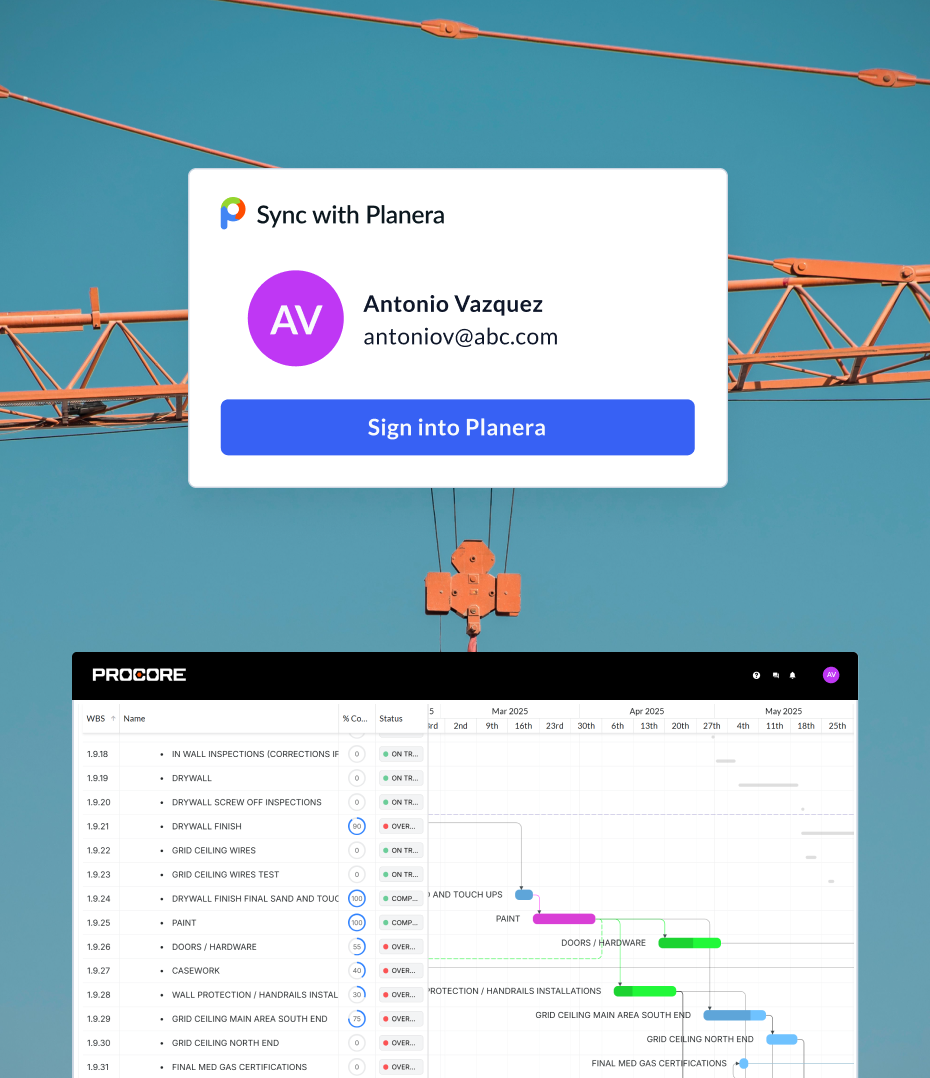
One schedule, published in Procore
Most GCs schedule in one tool and run the project in another. Someone exports a file and uploads it to Procore, and the schedule there is only as current as the last person who remembered.
In Planera, publishing is a menu action inside the schedule. Your team can also open Planera inside Procore with single sign-on, so PMs and supers reach the live schedule without leaving the tool they already use.
Find the RFIs that threaten the schedule
The RFI-to-Schedule Risk Scanner runs inside Procore AI. It reads the open RFIs in your Procore project, matches each one to the Planera activities it may affect, and explains why. Ask it to, and it adds a link to each RFI in the matched activity’s notes.
AI never changes dates, durations or logic. The scheduler still decides what moves.


WhyRough-in can’t proceed past grid line C until routing is resolved, and the activity drives commissioning.
WhySet placement waits on the pad answer. The activity carries 4 weeks of float.
Done. Each RFI is now linked in the notes of its matched activity.
Install Planera from the Procore App Marketplace.

Give the Planera app access to your Procore projects.
Open a schedule in Planera and publish it to Procore from the More menu.
See it with your own Procore project
Book a DemoComparing Planera to Procore’s built-in scheduling?
See Planera vs. Procore Scheduling →